How to Check Whether a Desktop Application Is Still Receiving Updates

How to Check Whether a Desktop Application Is Still Receiving Updates

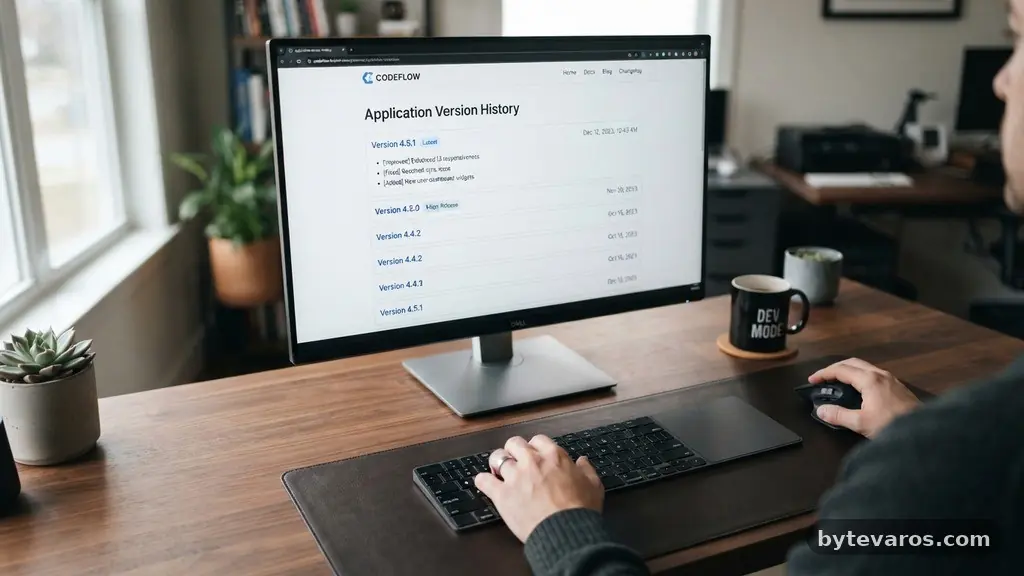
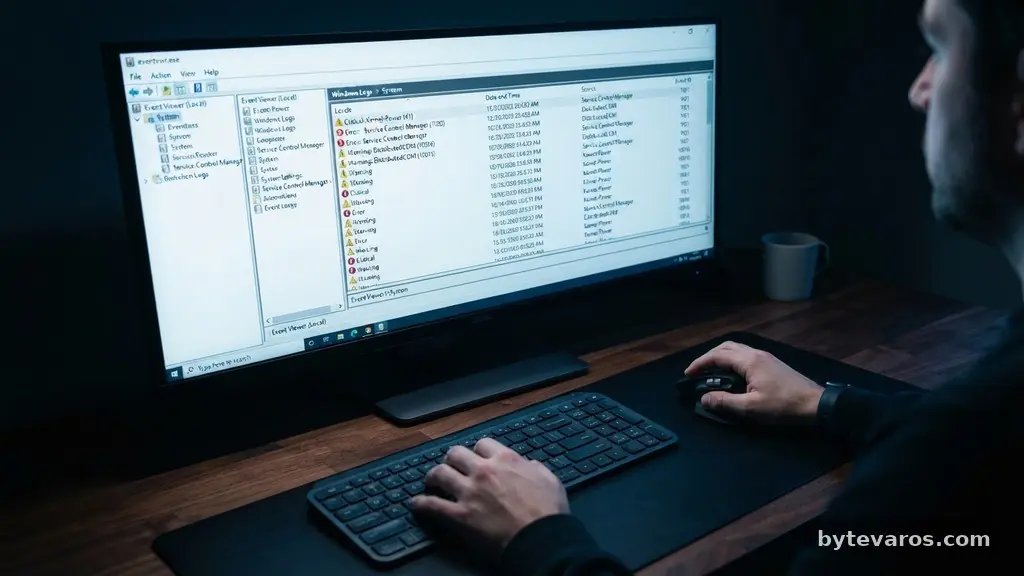
When you rely on specific tools for your daily workflow, checking whether a desktop application is still receiving updates becomes a necessary habit. Software that stagnates can quickly become a security liability or a source of incompatibility with your operating system. By learning to verify the health of your digital toolkit, you gain better control … [Read more…]

A Practical Guide to Finding Duplicate Files Without Deleting Important Copies

A Practical Guide to Finding Duplicate Files Without Deleting Important Copies

Managing your digital storage effectively often requires a practical guide to finding duplicate files without deleting important copies that serve different purposes. Digital clutter builds up quickly, and automated cleanup tools often lack the nuance to distinguish between a functional backup and a redundant waste of space. By understanding how to identify files based on … [Read more…]

How to Move Browser Bookmarks Between Different Browsers Without Losing Them

How to Move Browser Bookmarks Between Different Browsers Without Losing Them

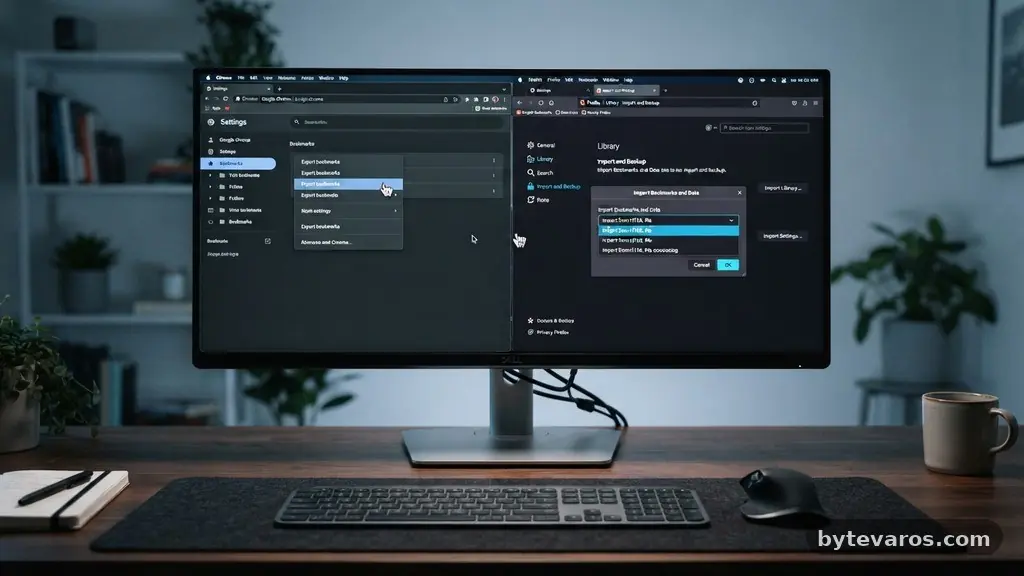
Learning the process of moving Browser Bookmarks Between Different Browsers Without Losing Them is a simple task that saves you hours of manual re-linking. Whether you are switching to a faster engine or testing a new privacy-focused tool, your collection of saved sites doesn’t need to be left behind. By exporting your data into a … [Read more…]

Why File Extensions Matter When Downloading Documents From the Internet?

Why File Extensions Matter When Downloading Documents From the Internet

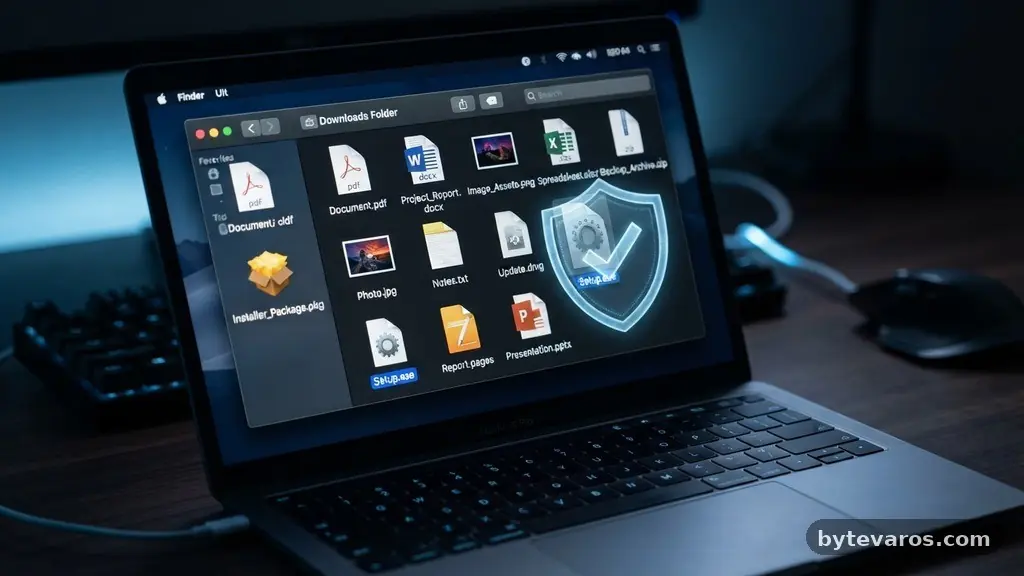
Understanding why file extensions matter when downloading documents from the internet is a fundamental skill for maintaining your digital security. These short suffixes at the end of filenames serve as the primary indicator for your computer’s operating system regarding how to handle and open a specific piece of data. Without proper awareness of these markers, … [Read more…]

What Happens When You Clear an App’s Cache and Which Data Remains?

What Happens When You Clear an App’s Cache and Which Data Remains

Understanding what happens when you clear an app’s cache and which data remains is essential for anyone trying to manage their device’s storage effectively. Many users worry that hitting the clear button might delete their photos, messages, or saved game progress, but that is rarely the case. While clearing the cache removes temporary files that … [Read more…]

How to Identify Background Apps That Quietly Consume Your Computer’s Resources

How to Identify Background Apps That Quietly Consume Your Computer’s Resources

Learning the art of identifying Background Apps That Quietly Consume Your Computer’s Resources is the most effective way to restore your machine’s original speed. Most users notice their computer slowing down over time, yet they rarely check the hidden processes running in the background. Whether you are using a Windows PC or a Mac, identifying … [Read more…]